


1. Switching to Sensor Direct Mode

Switch from Mirror Mode to Sensor Direct Mode.
Smartphone
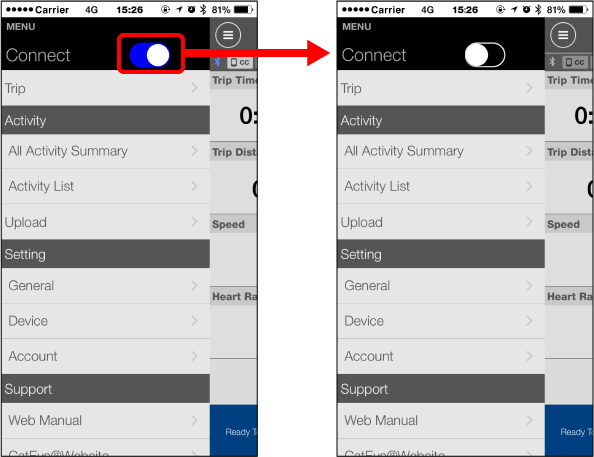
1. Close Cateye Cycling™ or from  (MENU), turn off [Connect].
Smart computer
2. From the smartphone search screen, press MODE for 1 second to switch to Sensor Direct Mode.
 (1 second)Smartphone search
screen
(1 second)Smartphone search
screen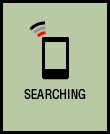 Measurement screen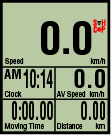

* Smart computer will search for a sensor instead of your smartphone. In this mode, the sensor icon flashes to indicate sensor reception status.
• S (Flash): When the speed signal is received
• C (Flash): When the cadence signal is received
• S/C (S and C flash simultaneously): When the speed/cadence (ISC) sensor signal is received
• H (Flash): When the heart rate signal is received
• P (Flash): When the power signal is received
•  (Flash): When the Shimano DI2 system signal is received
Important
Sensor Direct Mode and Mirror Mode measure independently and data has no continuity.
● Functions during measurement
Switching measurement data display
Power-saving mode
Button lock function
If you have power sensors
If you have a Shimano DI2 system
Copyright © 2021 CATEYE Co., Ltd.